See it in action
One visit, from the front door to the badge in the visitor's hand — and the notifications that land while it happens. The kiosk screens below are captures of our live demo lobby for “Meridian Aerospace,” a fictional customer we run so you can see real branding and a real flow. The printed label and Microsoft Teams cards are drawn to match what the product sends, word for word.
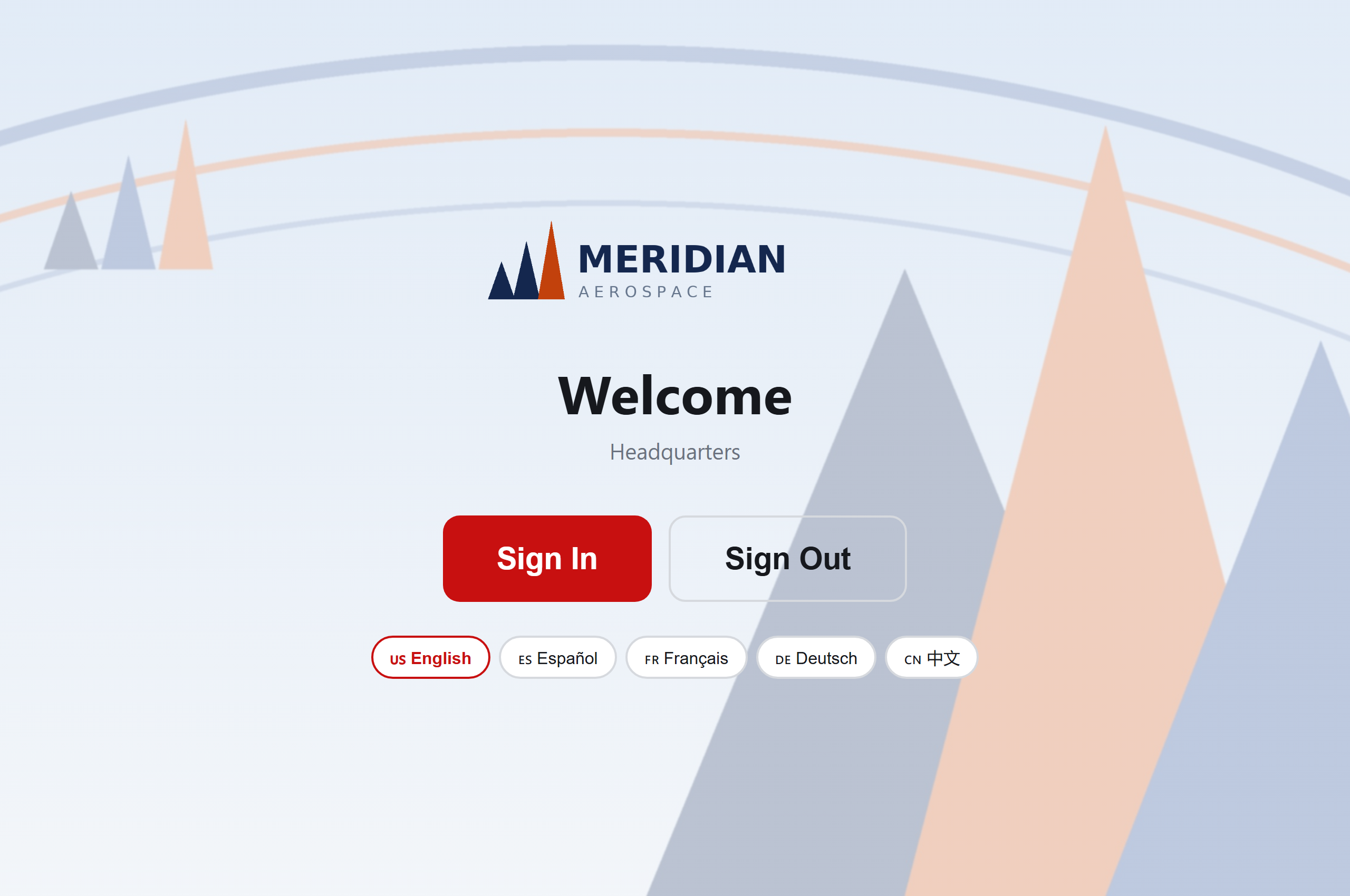
They walk in and start themselves
The kiosk is a tablet on the counter. No app to download, no receptionist required — the visitor taps their language and begins. Sign-out lives on the same screen.
If they were pre-registered, they already have a QR code — in the invite email, or saved to Apple Wallet or Google Wallet in your own brand. Holding it up to the kiosk camera (or the hardware scanner on a Zebra CC6000) here skips the next three steps entirely and goes straight to the badge. Everything below is the first-time path.
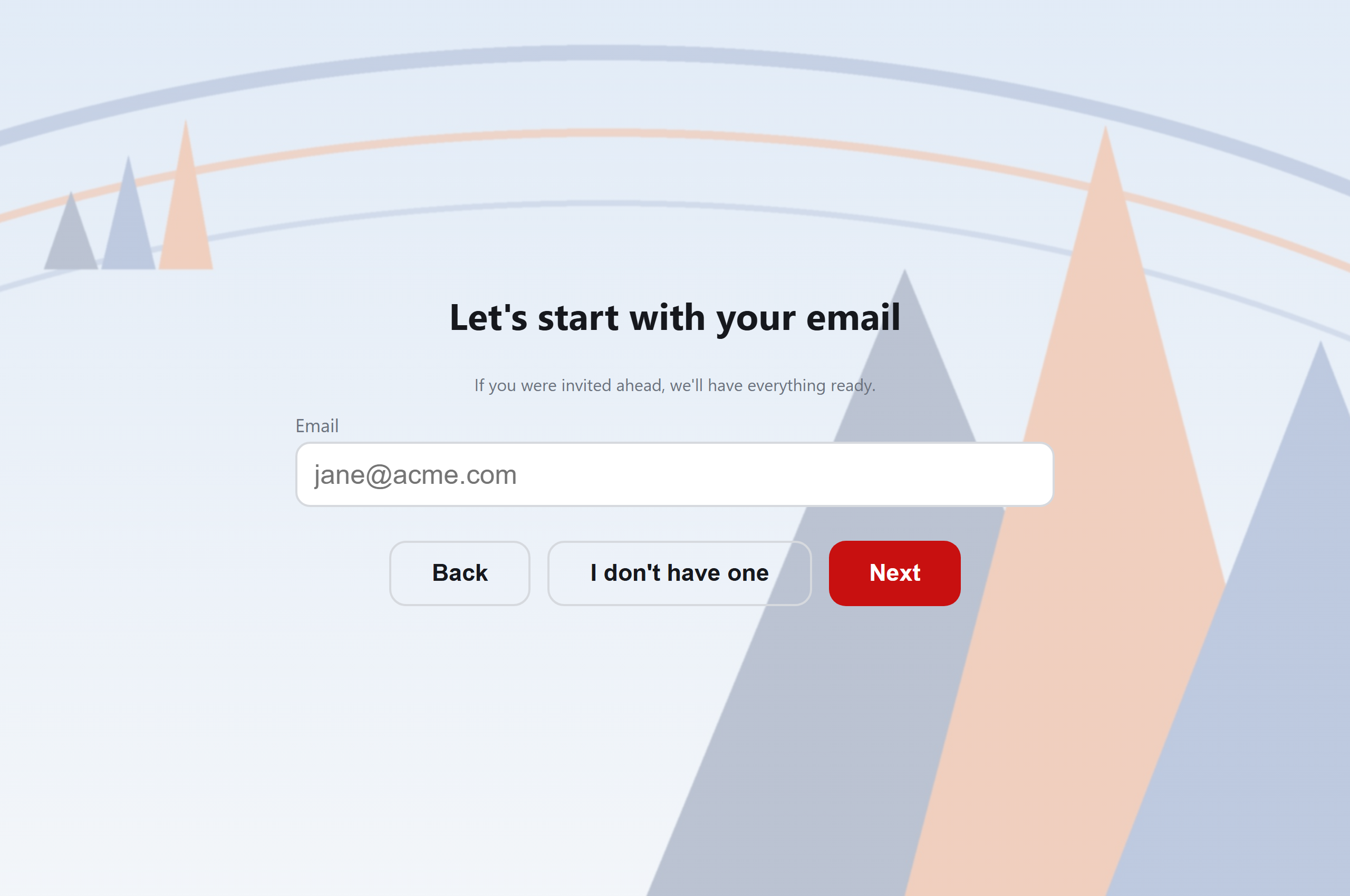
Docent already knows the expected ones
This screen is only for someone arriving without a QR code. A scanned code already identifies the visit, so we don't ask for an email we were given at pre-registration — they go straight through.
Typing an email gets a pre-registered or returning visitor
recognised instantly, with name, company, and host pre-filled. Invite your
visitors@ mailbox to a meeting and every external attendee is
pre-registered automatically.
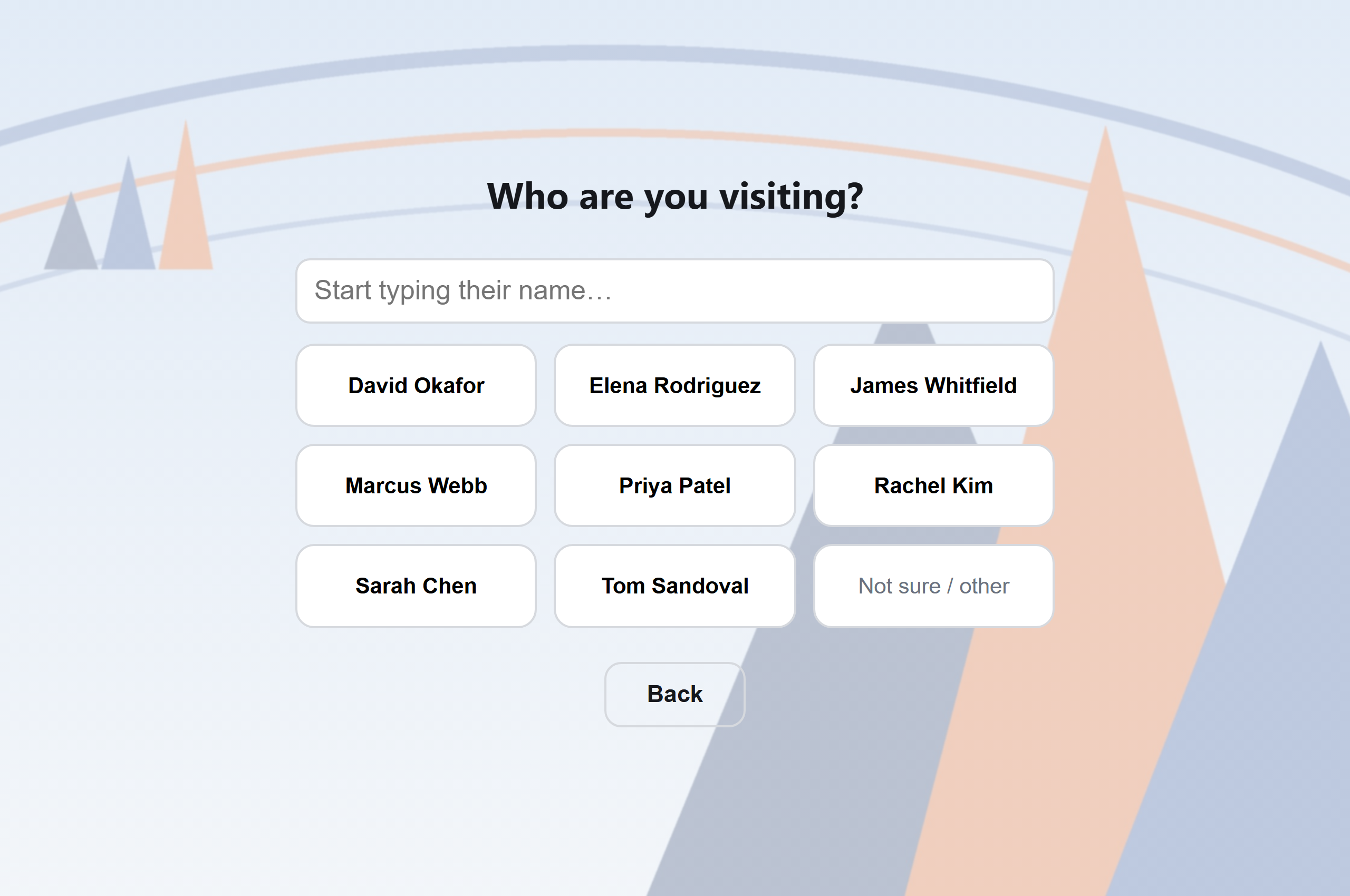
“Who are you here to see?”
The host list is your live Microsoft 365 directory — no spreadsheet to maintain, no stale names. Shared mailboxes, meeting rooms, and disabled accounts are filtered out, so visitors only ever see real people.
Non-Disclosure Agreement
The NDA gets signed before they're in
Your own document text, personalized with the visitor's name, company, and today's date. The “I Agree & Sign” button stays greyed out until they actually put finger to glass. The signed PDF is counter-signed, stored on the visit record, and optionally emailed to the visitor — and your re-sign policy decides when a returning guest is asked again.
Safety training
Safety briefing, delivered at the door
Play your induction video or page through a slide deck right on the kiosk. Visitors can't skip: seeking past the furthest-watched point snaps back, and with slides the acknowledgement unlocks only after every page has been seen. Docent records the mode, seconds watched, and pages viewed as audit-grade evidence — the proof an OSHA inspector or a customer audit actually asks for.
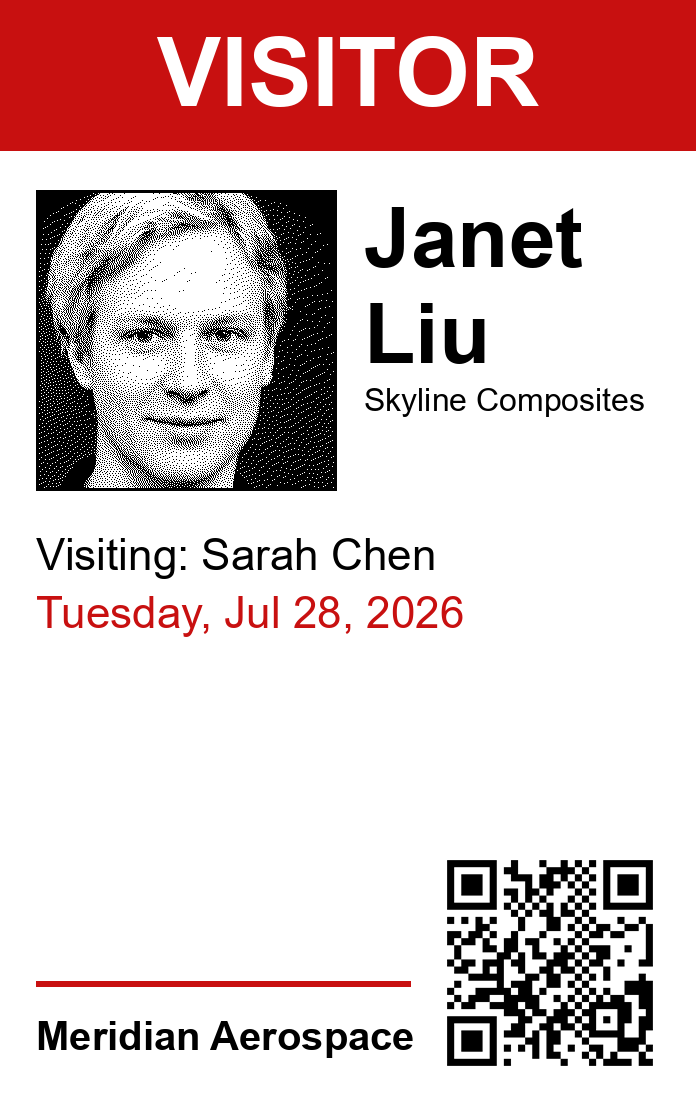
The badge is already coming out of the printer
Camera capture at the kiosk, badge in hand seconds later, on an off-the-shelf Brother label printer. Design the layout yourself in a live-preview editor — fields, typography, your rules — including an ESCORT REQUIRED band when the visit type calls for one. Scanning that QR on a later visit checks them straight back in.
Guest Wi-Fi they can scan, not squint at
Docent creates a per-visit Wi-Fi credential at check-in and prints it as its own scan-to-join label. It's valid exactly as long as the visit and revoked the moment they sign out — no more whiteboard password that hasn't changed since 2019. Works with a static network password, a RUCKUS One guest portal, or Ubiquiti UniFi vouchers.

The host finds out — in Teams, not just email
The moment the badge prints, the host gets an email and an interactive Microsoft Teams card carrying the visitor's photo, their company, and whether an escort is required. Most visitor systems “integrate with Teams” by posting a webhook into a channel. Docent runs a real bot: it installs itself for each host, takes a reply, and relays it back to the desk.
Nobody is still “on site” at midnight
At the hour you pick, anyone still checked in triggers this card to their host and the front desk. One tap signs them out, with a reminder to chase the physical badge back. Keep someone overnight and Docent asks again at 8 am. That's what keeps your emergency roll call honest — the list the fire marshal reads is only as good as your sign-outs.
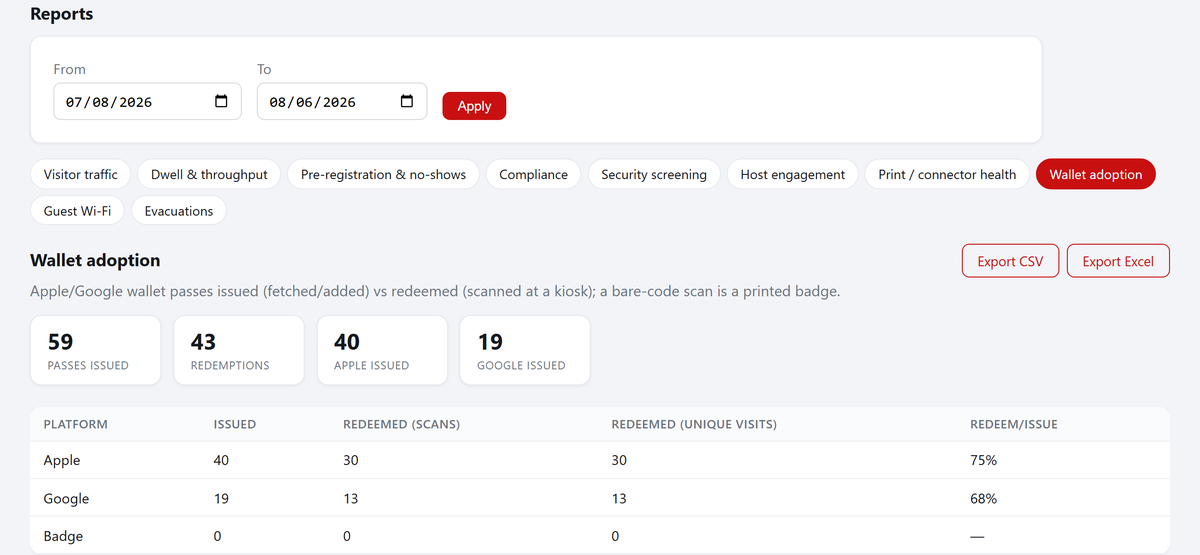
And afterward, the numbers tell the story
Every check-in feeds a reports tab: visitor traffic by day and site, average time on site, no-show rates, NDA and safety-training compliance, screening flags, host activity, print reliability, and wallet adoption — each filterable by date and location and exportable to CSV or Excel. Nothing new to set up; it's the by-product of the flow above.
Want to try the kiosk yourself?
We'll set up your lobby — branding, NDA, badge layout and all — on a call. Or see the shared-lobby version built for landlords.
Let's get started Docent for buildings →